URL parameters
The embed script reads two parameters from the URL of the page that holds the studio, and passes them on when it opens the studio. Add them to any link to that page, such as a Customize button on a product page or a link in an email. The embed snippet stays as it is.
Start from a product photo
Give dmr_img_src the full link to an image. The studio opens where customers make designs, with the image already added as a reference, and the designs the customer makes follow it. A customer who isn't signed in signs in first, and the image is still there after.
With it, a Modify button can sit on any page of your website as a plain link, with no script: it points to the page that holds the studio, with the product's photo in dmr_img_src. Put one under every product photo, in a lookbook or in an email. The customer starts from the piece they were looking at and changes what they want.
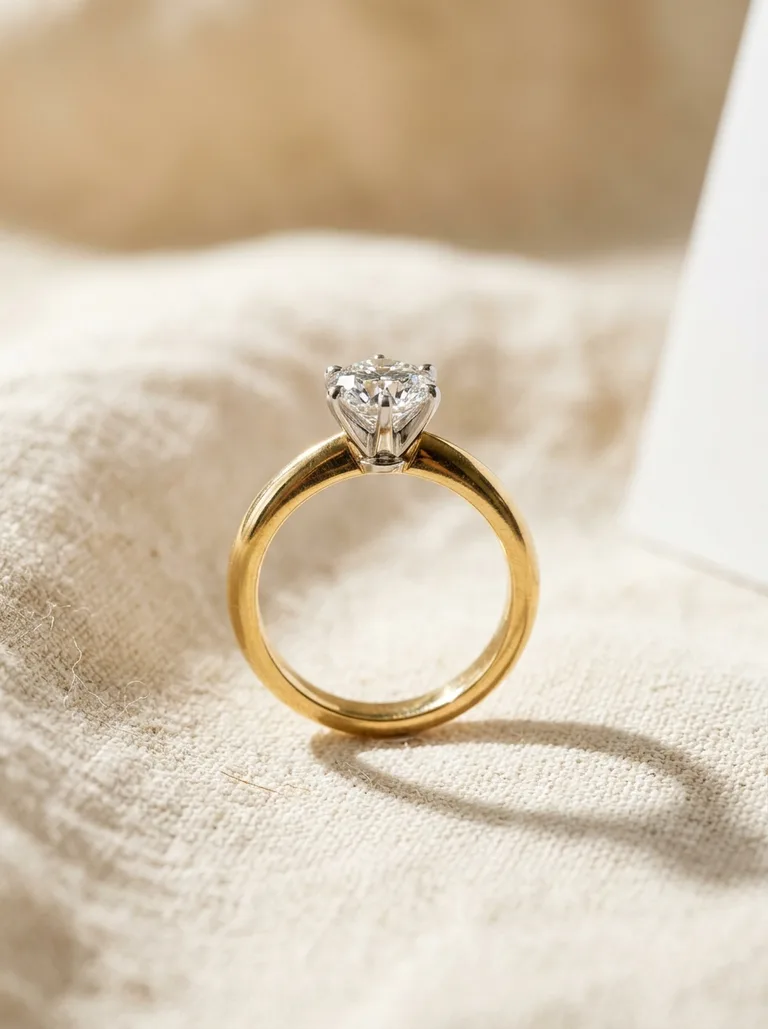

<a href="https://yourstore.com/custom?dmr_img_src=https%3A%2F%2Fyourstore.com%2Fphotos%2Fsolitaire.webp"> Modify</a>To build the link in a script, from the photo already on the page:
const photo = document.querySelector("#product-photo");const link = new URL("https://yourstore.com/custom");link.searchParams.set("dmr_img_src", photo.currentSrc || photo.src);document.querySelector("#modify").href = link.href;Encode the image link, as searchParams.set does, so a query string of its own, such as ?v=2&width=1200, stays part of the image's address. The image has to:
- Start with
https://, in 2,048 characters or fewer. - Be public. Diamra fetches it from its own servers, with no cookies and no sign-in.
- Be on a domain name, not an IP address.
- Be an image file of 10 MB or less.
If Diamra can't load the image, the studio tells the customer and opens without it. dmr_img_src works only where customers make designs: with a dmr_path to any other view, the studio ignores it.
Open a view
Give dmr_path the path of a view in the studio. A customer who isn't signed in signs in first, then lands on the view. A path outside /salon and /profile is ignored, and the studio opens on /salon.
const link = new URL("https://yourstore.com/custom");link.searchParams.set("dmr_path", "/salon/projects");// link.href is now:// https://yourstore.com/custom?dmr_path=%2Fsalon%2FprojectsThe salon_url in Diamra's project webhook events already carries this parameter when the project started on your website, so you can send it to the customer as it is. Links that still say dmr-path, its name before November 12, 2026, keep working.
To set the view in your page's markup instead, add data-diamra-path to the embed's div. When both are there, dmr_path wins.
<div data-diamra-store="yourstore" data-diamra-path="/salon/projects"></div><script src="https://diamra.com/sdk/embed/v1.js" async></script>